
 Apple Music Profile
 YouTube Channel
 RSS Feed
 Play Play
 Murph
Murph Yer Stack
 Block Party Weekend
 Elevendy
 Dupin v4.0.0
 Join Together
 M3Unify
 30 Most Recent RSS Feed
Popular Now
downloaded 36m 7s ago
One Song From Each Artist In Playlist v2.0
For Music Make a new playlist of tracks from source playlist
downloaded 42m 38s ago
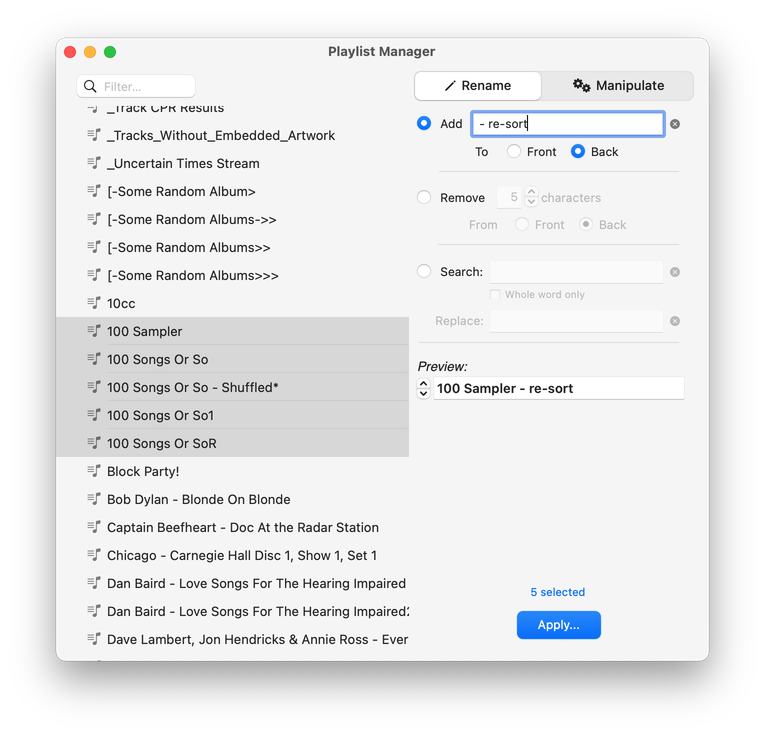
For Music Perform tasks on a batch of playlists; rename, delete, duplicate, merge, more
downloaded 51m 48s ago
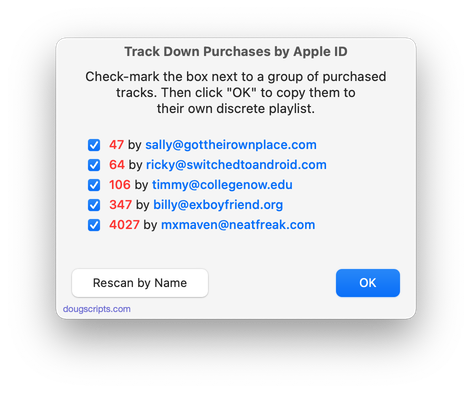
For Music Sort purchased tracks into discrete playlists by name or Apple ID
downloaded 1h 52m 9s ago
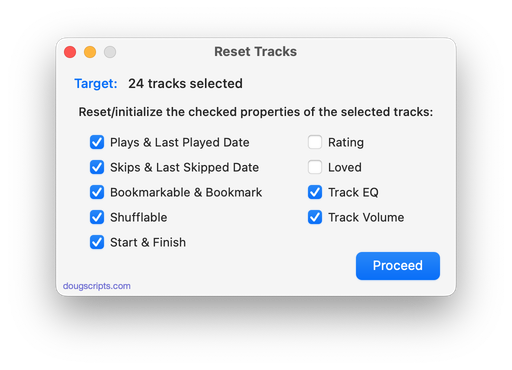
For Music Reset/initialize tracks play history, ratings and more
downloaded 2h 51m 5s ago
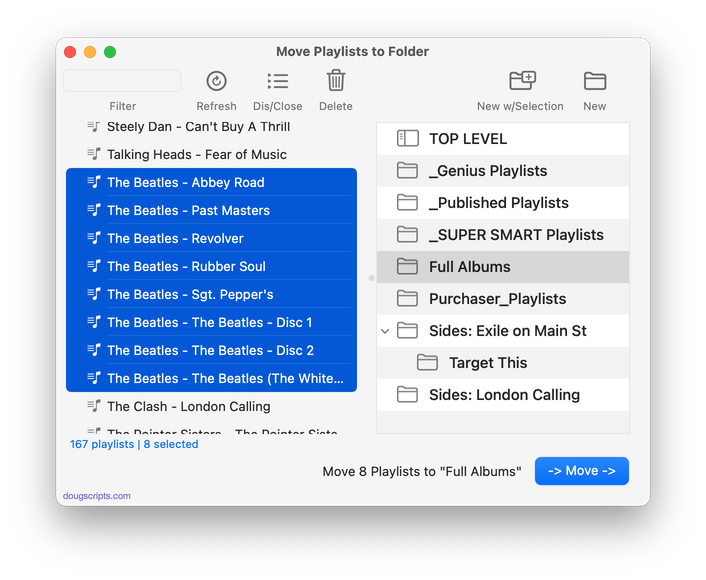
For Music Move selected playlists to a new or existing folder
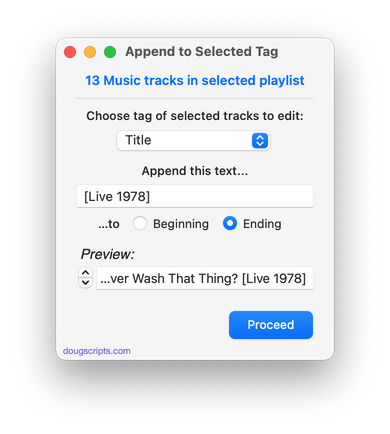
downloaded 2h 54m 5s ago
For Music Append user-entered text to beginning or ending of selected tag of each selected track
Welcome!
Download hundreds of AppleScripts for Apple's Media Apps that will help make managing your digital music and video collection easier and more fun!
What's AppleScript?
AppleScript is a simple Macintosh-only programming language that can control and automate actions on your Mac. AppleScript is already available on your computer as part of the macOS and many popular applications can be automated using AppleScript scripts. Scripts written for Apple's Music, TV and iTunes apps can manage files and track information, create playlists, interact with other applications, perform innovative tasks, and handle many kinds of chores with accuracy and precision which otherwise would be repetitive, laborious, and/or time-consuming.
And, perhaps most conveniently, AppleScripts can be launched from the Music app's Script menu and can even be assigned Keyboard Shortcuts.
Cool! Where Do I Start?
Start browsing the site by using the scripts ↓ Menu link above. AppleScripts are gathered into these general Categories:
Or use the search box at the top of every page to try and find something specific.
Not sure how to install AppleScripts? Here's a Download/Installation FAQ.
Check back often or subscribe to my RSS blog feed and Most Recent Scripts RSS feed to stay notified about new and updated scripts and info.
Latest:
Subscribe to the RSS feed. Looks best in NetNewsWire.
