Sorry, but nothing matched your search terms. Please try again with some different keywords.
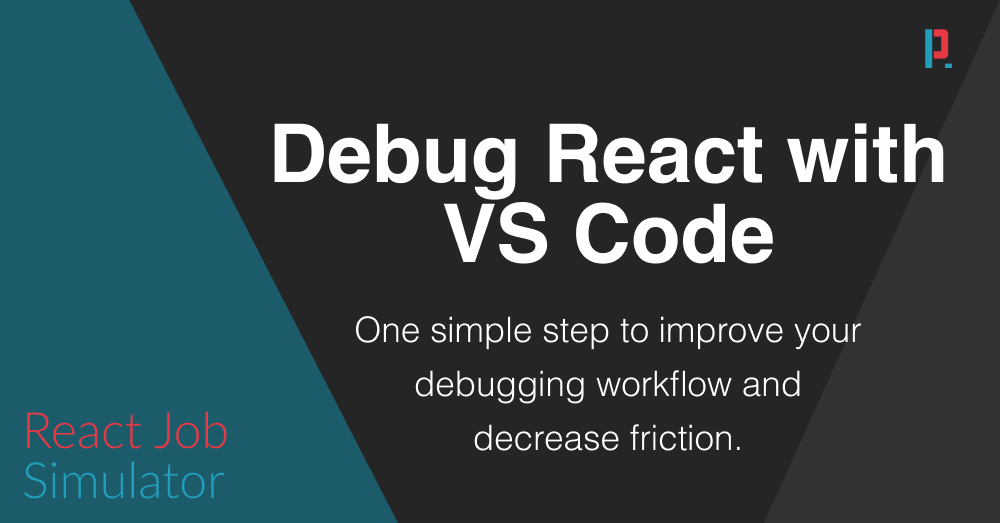
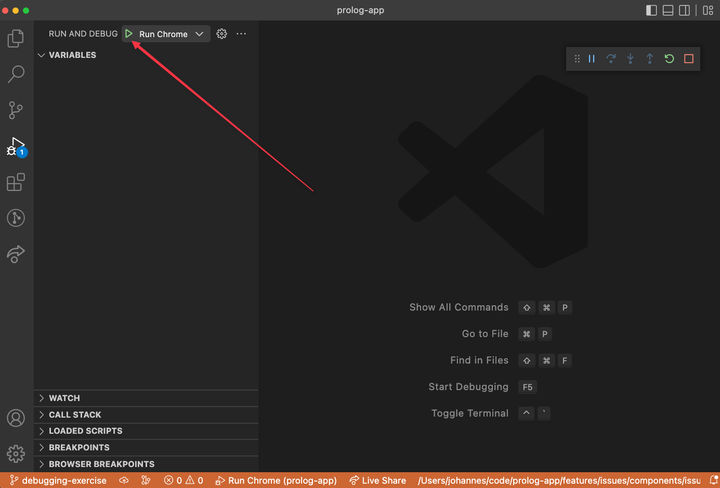
How To Debug React Js In Visual Studio Code
How To Debug React Js In Visual Studio Code - Simplify your home and work tasks with our library of complimentary printables. Whether you need planners and to-do lists to creative worksheets, we have a diverse selection of templates to meet your requirements at no cost. To save you time, all the templates and images are available right here. Simply scroll through the choices below, pick the ones you need, and save them instantly to start using right now.
No results found.
How To Debug React Js In Visual Studio Code

More Pics of How To Debug React Js In Visual Studio Code


You're ready to go! Now that you have found the right complimentary printables, just print them out and start using them. From personal planning to professional organization, we're committed to bringing you the highest quality downloadable printables without any paywalls or subscriptions. Make the most of these free downloads, and have a highly successful How To Debug React Js In Visual Studio Code